Frontify
This integration allows business users to build personalized digital experiences (web sites, web apps, mobile apps, etc.) by repurposing content from your Frontify digital asset management system. It also enables developers to use their preferred front-end tools to build these applications.
Add Uniform integration#
Make assets housed in Frontify DAM available to the Uniform Asset Library by adding this integration.
Get connection settings#
- Log into Frontify dashboard.
- Note your Frontify dashboard URL, it's your Account URL (e.g.
https://company.frontify.com) - Navigate to Personal Settings > Applications
- Create a new application, see the How to configure Frontify application guide.
- Note application Client ID (e.g.
client-abcde6cf8syu6tsh)
Add integration#
In Uniform, open your project.
Navigate to Settings > Integrations.
Scroll to the section Browse Integrations.
Click Frontify.
Click Add to project.
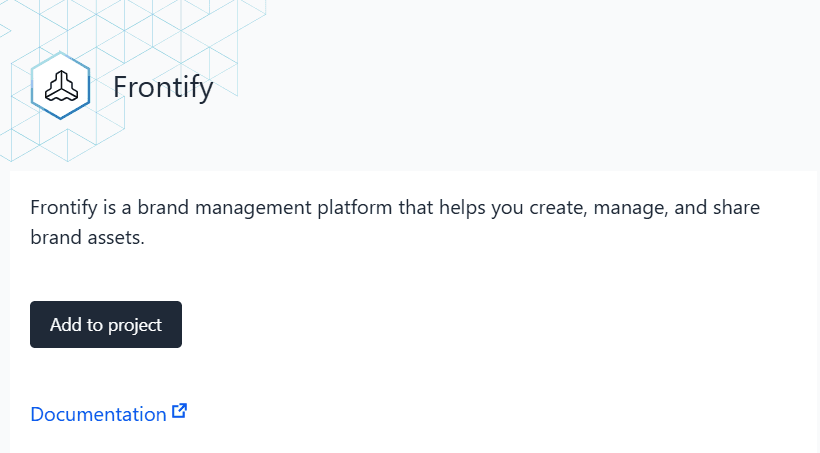
Enter the required values:
Uniform setting Value Account URL Your Frontify account URL (e.g. https://company.frontify.com)Application Client ID Your Frontify application client ID, see Get connection settings section. Default Asset URL Select either Preview URL or Dynamic Preview URL (see details below). Default Asset URL options
- Preview URL: Points to a specific asset version at a specific point in time.
- Dynamic Preview URL: Designed for resources that might change frequently. Points to the most recent asset version, but dynamic previews may be cached for 2 hours by Frontify CDN. Utilizes Asset Processing API that's considered as legacy.
This setting affects only the default URL. Frontify asset URLs will be available as Uniform asset metadata regardless of this selection.
Click Save.
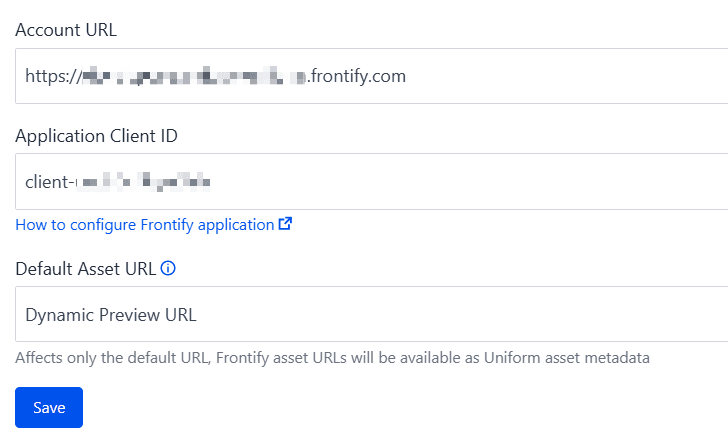
After you install the Frontify integration, new asset library becomes available.
Use Frontify asset library#
You can review your Frontify assets from inside Uniform.
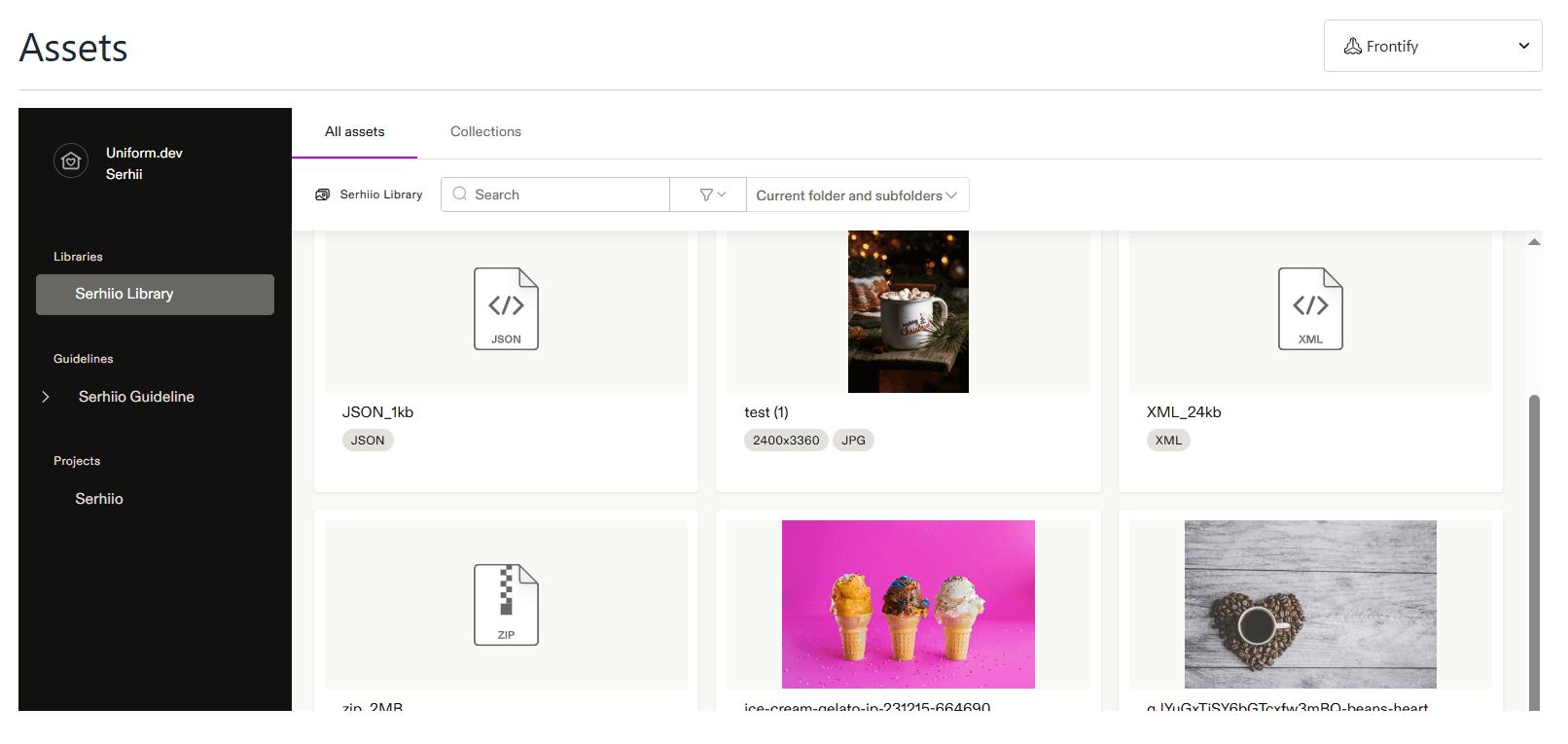
Use Frontify assets in Uniform Canvas#
You can insert assets directly into your Uniform Canvas components using asset parameters.