Trash
When you delete an entry, composition, pattern, or asset, Uniform moves it to Trash instead of removing it immediately. You can restore it from there until the retention period ends.
Trash is for recovering accidental deletes. It doesn't replace version history or an archive. Content history still tracks earlier versions of items you haven't deleted.
What goes to Trash#
Trash is available for:
- Entries
- Compositions
- Entry patterns
- Component patterns
- Composition patterns
- Assets
- Editions of entries and compositions
Anything not on this list is deleted permanently, such as project map nodes.
Find Trash#
Every listing that supports Trash has its own Trash page in the sidebar, below My recents and Favorites.
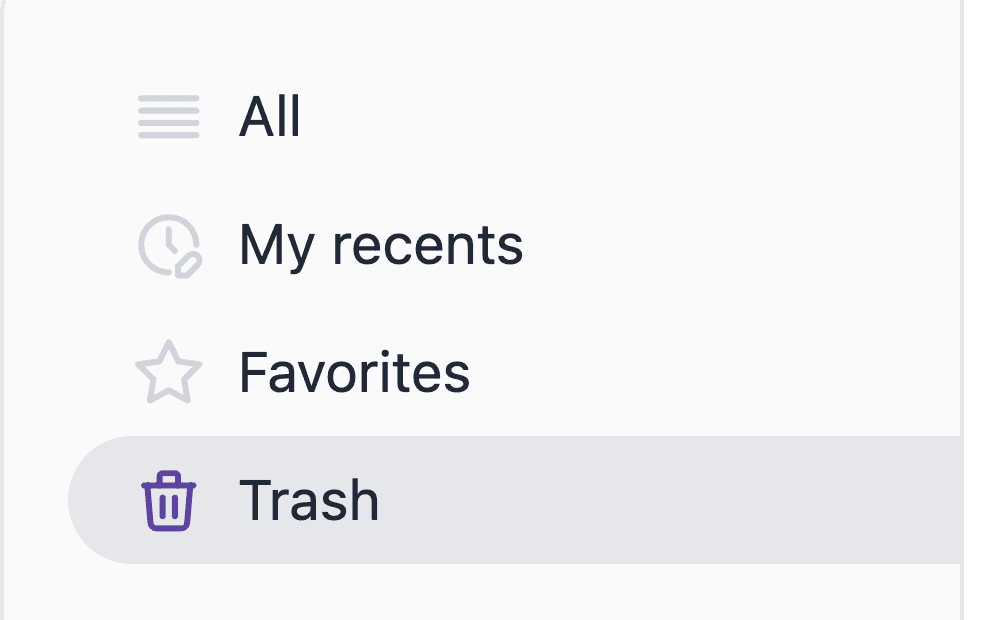
Each page shows only the deleted items of that type. Trashed items don't appear in the normal listing, in search results, or in My recents.
Delete an item#
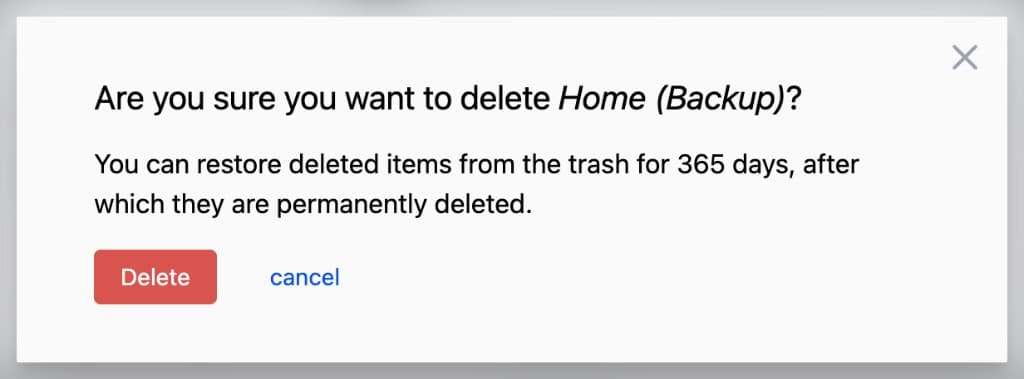
Deleting asks you to confirm, then moves the item out of the listing and into Trash.
Unpublish instead of delete
Unpublish if you only need to take something off the site and keep working on it. Delete when you intend to remove it and might want it back later.
Published items#
If the item was published:
- The published version is removed immediately and can't be restored.
- The draft moves to Trash.
- Restoring brings the item back as a draft. Publish it again if it should be live.
Assets have no draft and published split, so restoring an asset returns the same asset record.
Releases#
With a release selected:
- Deleting an item that already exists on Base schedules the delete for launch. It is not moved to Trash at delete time. When the release launches, the Base item moves to Trash.
- Deleting an item that exists only on the release moves it to that release's Trash. You can restore it while you're viewing that release. After launch, release-only deleted items are gone.
A locked release blocks restoring the same way it blocks other edits.
Restore an item#
From the Trash list#
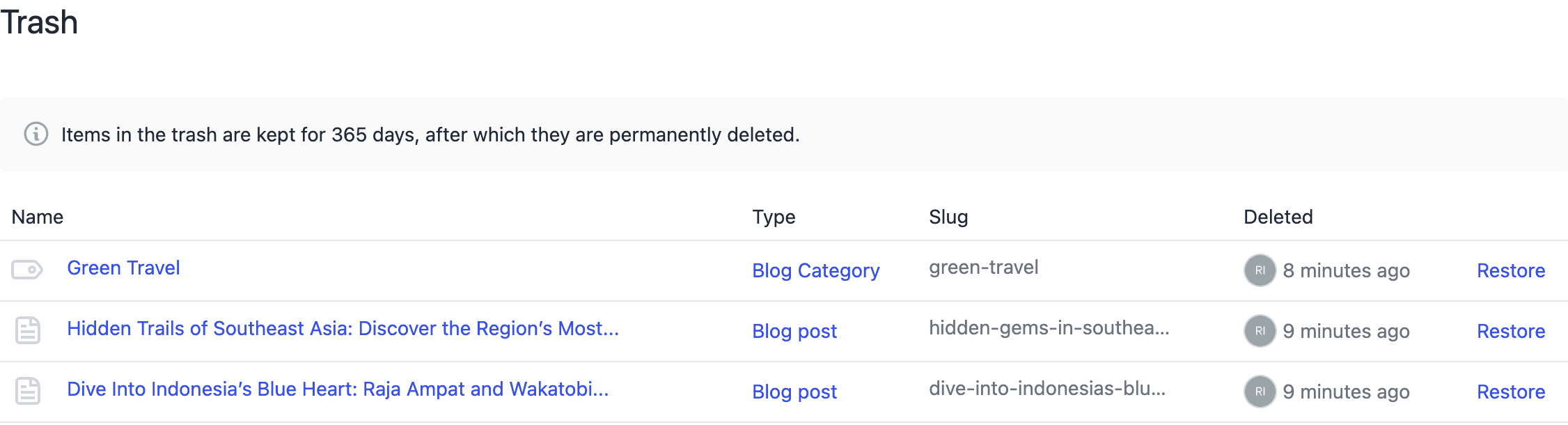
Select Restore on the item's row. You restore items one at a time. The list is paginated and sorted by most recently deleted.
From the editor#
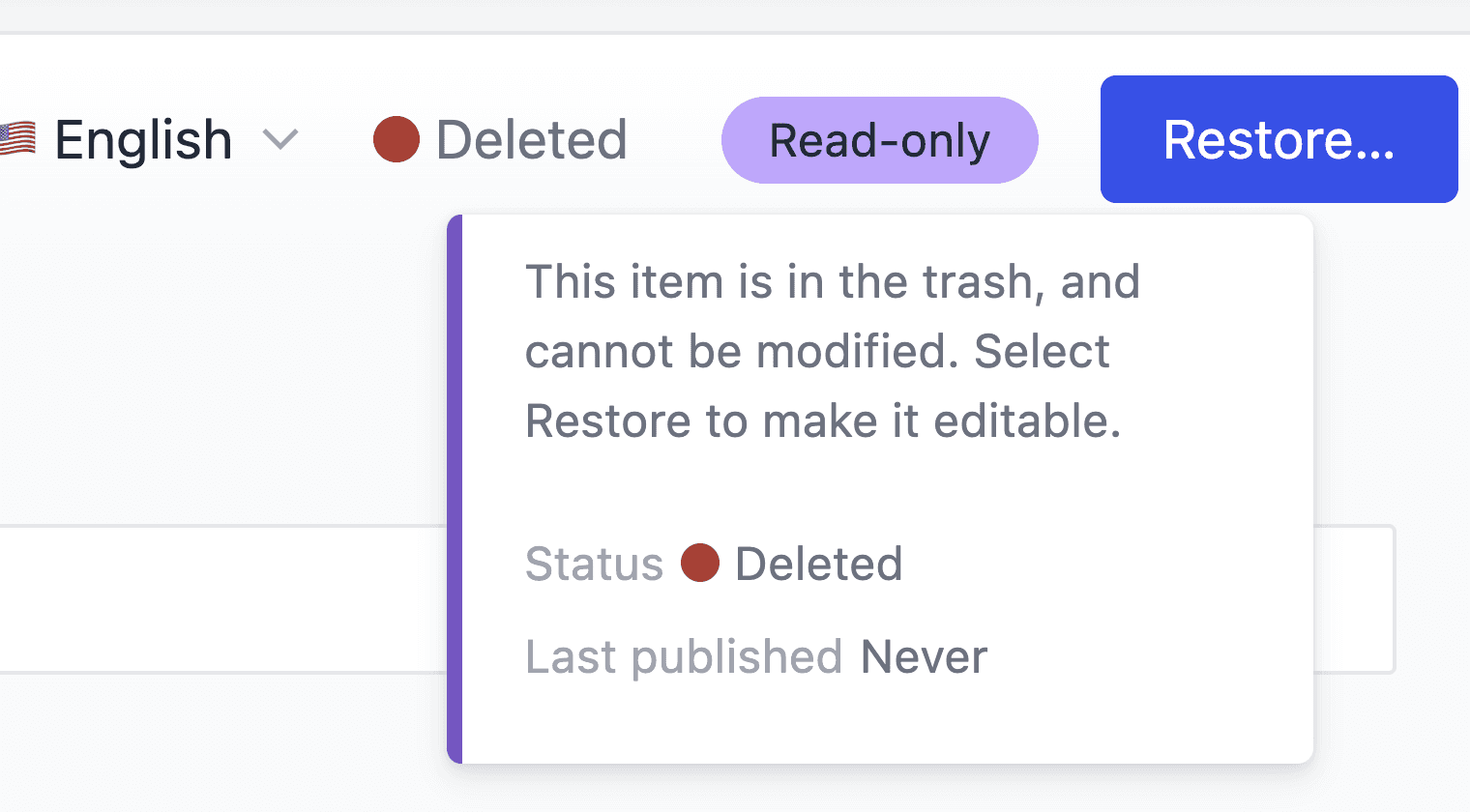
Opening a trashed item shows it read-only, with Restore in the header. It stays read-only until you restore it.
After restore#
- The item returns to its listing and is editable again.
- Webhooks and search re-indexing run as they would for any other update.
Slugs#
Some content types and composition types require unique slugs. If another active entry or composition uses the same slug, the dashboard blocks the restore. Change or remove the conflicting slug, then restore again.
Restore a composition#
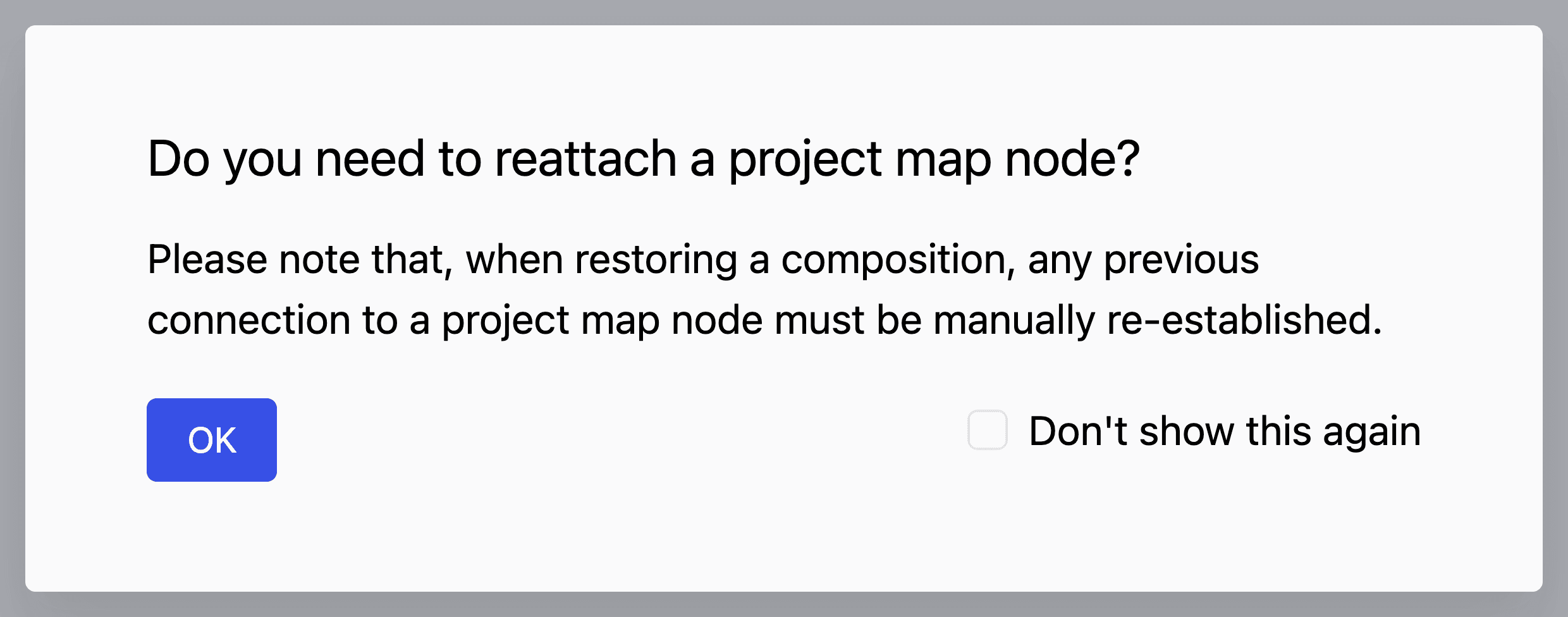
Trashing a composition disconnects it from its project map node, and restoring doesn't reattach it. Uniform reminds you of this before restoring, so you can reattach the node manually afterwards.
When you delete a project map node, you can choose to delete its composition too. The composition moves to Trash, but the node doesn't. Recreate the node before you attach the restored composition.
Editions#
Each edition of an entry or composition is trashed and restored on its own.
- Deleting a base entry or composition also moves all of its editions to Trash.
- Deleting a single edition moves only that edition. If it was serving locales that no other published edition covers, those locales become inaccessible until you restore it or publish another edition.
- You can't restore an edition while its base is still in Trash. Restore the base first.
- A restored edition keeps its original priority. Publish it again to serve its locales.
Assets#
Moving an asset to Trash takes its file off the public CDN path, so direct file URLs stop working immediately. Restoring puts the file back at the same URL.
Retention and permanent deletion#
Items stay in Trash for the project's history retention period, the same limit that applies to content history (typically 30 days). They don't count toward plan usage while they're there. After that, a daily job permanently deletes them. You can't empty Trash yourself.
Once an item is purged, Uniform can't recover it. Use a CLI backup in Git if you have one.
Permissions#
| Action | Required permission |
|---|---|
| View Trash and open a trashed item | Existing Read permission for that type |
| Restore | Update permission for that type |
| Move to Trash | Delete permission for that type |
For details on configuring permissions, see roles and permissions.
API#
Trash is exposed on the existing content APIs. Default list and get calls omit trashed items.
GET query parameter deleted on entries, compositions, assets, and release contents:
| Value | Result |
|---|---|
exclude (default) | Only items that are not in Trash |
only | Only items in Trash |
include | Both |
| Endpoint | OpenAPI |
|---|---|
GET / DELETE / PUT /api/v1/entries | Entries |
GET / DELETE / PUT /api/v1/canvas | Compositions |
GET / DELETE / PUT /api/v1/assets | Assets |
GET /api/v1/release-contents | Release contents |
DELETE moves the item to Trash. PUT of a trashed id restores it (for a file-backed asset, include the original file reference). Responses may include deletedAt when the item is in Trash.
Searching, filtering, faceting, or custom sorting is not supported with deleted set to only or include.
The CLI uses the same API. See the canvas commands for remove, and sync for what pull and push do with trashed items. uniform canvas component remove deletes component definitions, which don't go to Trash.
Related#
Favorites
Bookmark the items you use most.
My recents
Return to the items you've most recently opened or edited.
Search, filter, and sort
Find a specific item across a listing.