My recents
My recents keeps track of the items you've recently opened or edited so you can pick up where you left off. Unlike favorites, which you set explicitly, your recents are maintained automatically as you work.
The My recents view in a listing#
Each content listing has a My recents item in its sidebar. Selecting it filters the listing to the items of that type you've most recently worked with, newest first.
My recents is available in the following listings:
- Compositions, and the composition pattern and component pattern listings
- Entries and the entry pattern listing
- Components
- Content types (recent content types and block types are shown together)
- Assets (Uniform Asset Library only)
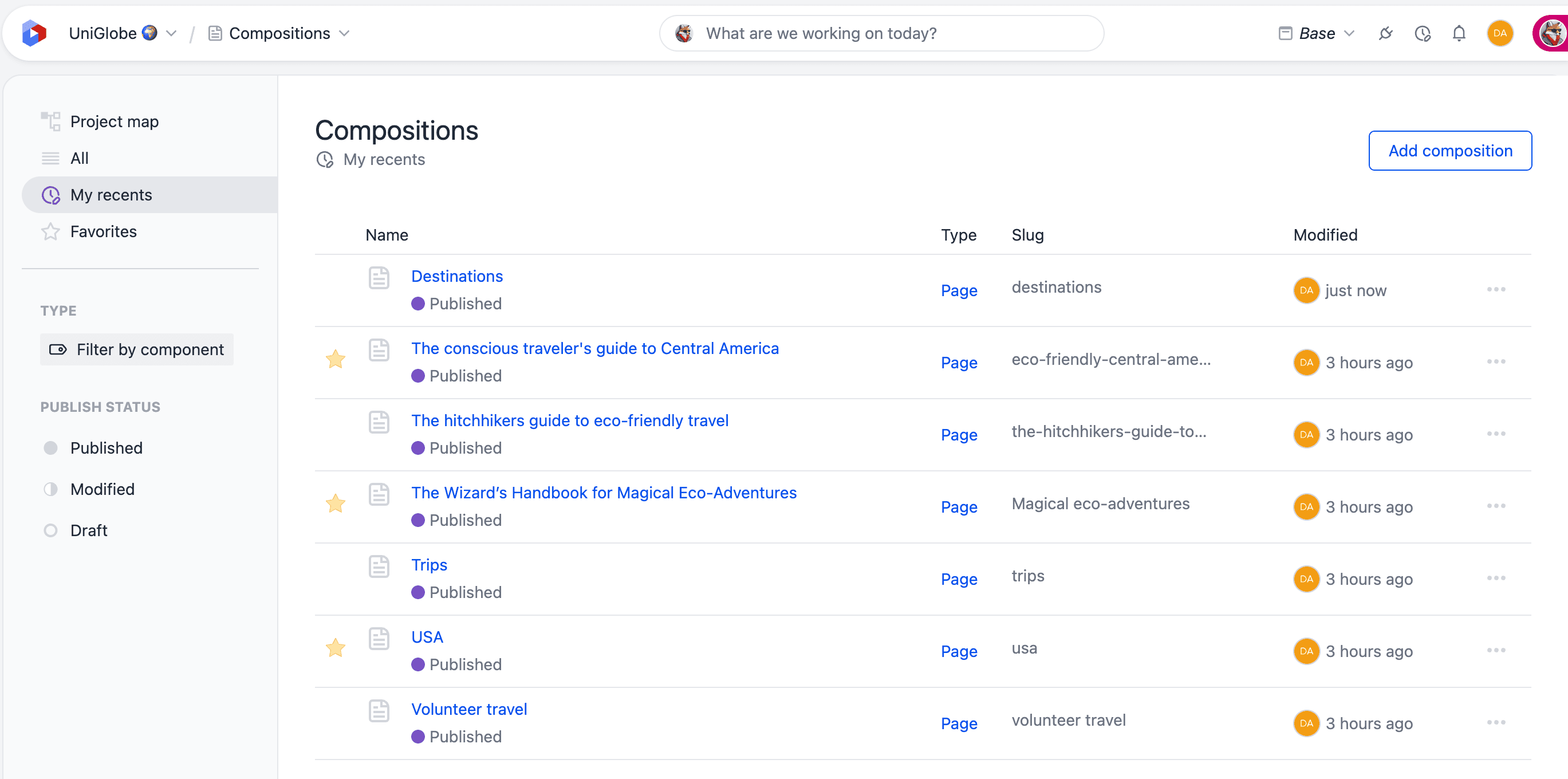
How many items each view shows depends on the listing:
| Listing | Items shown |
|---|---|
| Entries, entry patterns, assets | Up to 20 |
| Compositions, composition patterns, component patterns, components, content types | Up to 10 |
My recents in the asset library
For assets, My recents shows the assets you most recently opened or uploaded in the Uniform Asset Library. Assets from DAM integrations aren't tracked.
On the project dashboard#
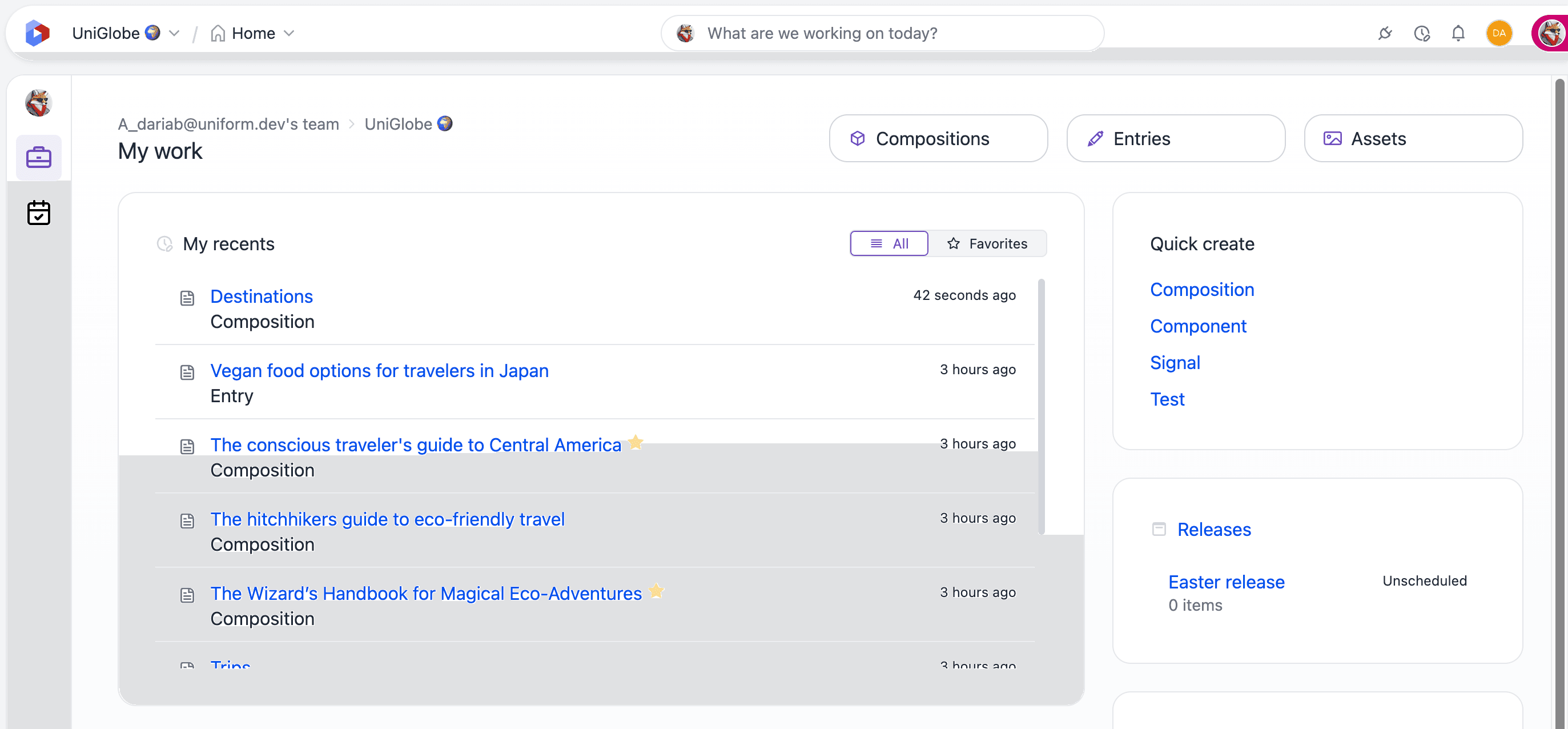
The project dashboard includes a My recents card that brings together your recent work across all entity types — compositions, entries, assets, patterns, and more — in a single list, newest first.
When favorites are available, the card gains an All / Favorites toggle:
- All: your most recent items across the project.
- Favorites: only the recent items you've marked as favorites.
This connects your recents with your favorites in one place. You can also favorite items directly from the card.
How recents are tracked#
Your recents are stored locally in your browser as you open and edit items. This has a few implications:
- The list is per browser, so it won't follow you to another device or browser.
- Items are ordered by most recent activity — opening or editing an item again moves it back to the top.
- The list is capped, so the oldest items drop off as you work with new ones.
Open recents from anywhere
Press Cmd/Ctrl + Shift + M to open a Recently viewed list from the header, so you can jump to recent items without navigating to a specific listing.
Related#
- Favorites — bookmark the items you use most for lasting quick access.
- Search, filter, and sort — find a specific item across a listing.
- Custom views — save a query rather than a history. My recents tracks what you opened; a view is a named search you set up deliberately and return to.
- Trash — restore deleted entries, compositions, patterns, and assets.